
Zotero: a Bibliography Management System
Published:
To ensure the consistency of the bibliography, our group has deployed Zotero, an open-source bibliography management system.
Useful Links for Zotero Users
Online Tutorial Videos
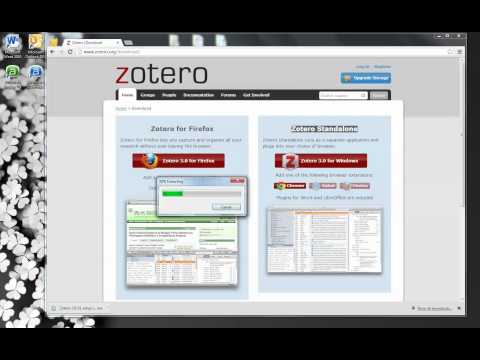
Installing Zotero Standalone
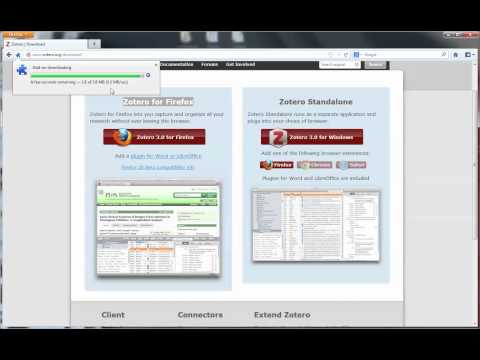
Installing the Firefox Extension
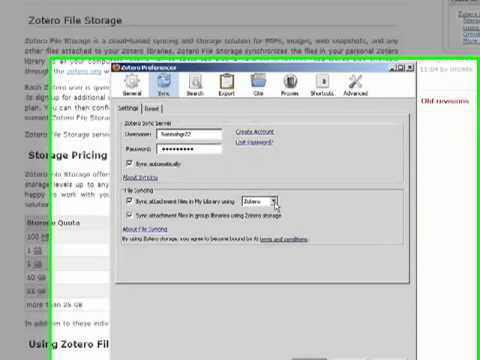
Synchronization
Using Zotero

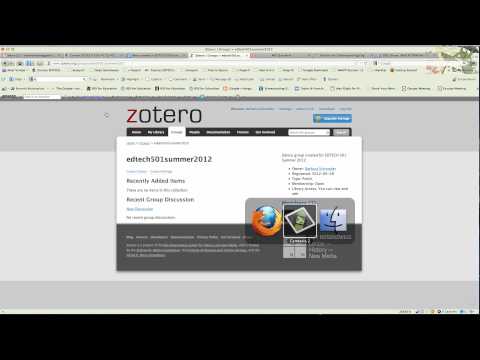
Group Library
Better BibTeX

Rules to Manage our Group Library
- If you are the first one that add the item, you have the right to decide the citation key. If you do not give a key, the system will automatically generate one for you.
- If you add a new item (or a batch of items), always check the duplicated items. If the item already exists, you are responsible to remove your duplicated items.
- You have make sure that the citation key of your paper in our SVN is consistent with the citation key in our group library.